Hi everyone! This is Kristy from
craftin-on-my-door and I want to thank Sheila for allowing my to be her guest designer again today! I look forward to my monthly
She's a Sassy Lady posts! I have a fun tutorial for you today! Have you heard of Kiwi Lane Designs?
My sister-in-law introduced me to these fantastic products! The super crafty ladies over at Kiwi Lane Designs sent me some of their fabulous products to play with. They have fantastic templates for scrapbooking and card making! Here are just a few of them:
I am LOVING the large brackets and the photo sets. You can watch a video tutorial
HERE on their website. I started out by placing the bracket templates where I wanted a bracket, and then played around with the photo templates. I LOVE how they give you multiple photo templates of the same size. I also love the small photo templates.
(Disclaimer....this is a LONG awaited Halloween scrapbook page, as a second grade team we decided to surprise our classes and dress up as the Jonas Brothers. We looked horrible, and decided that we were more like the "reunion tour," but we had a great time and our students LOVED it! Please don't be scared!)
Here are the bracket templates:
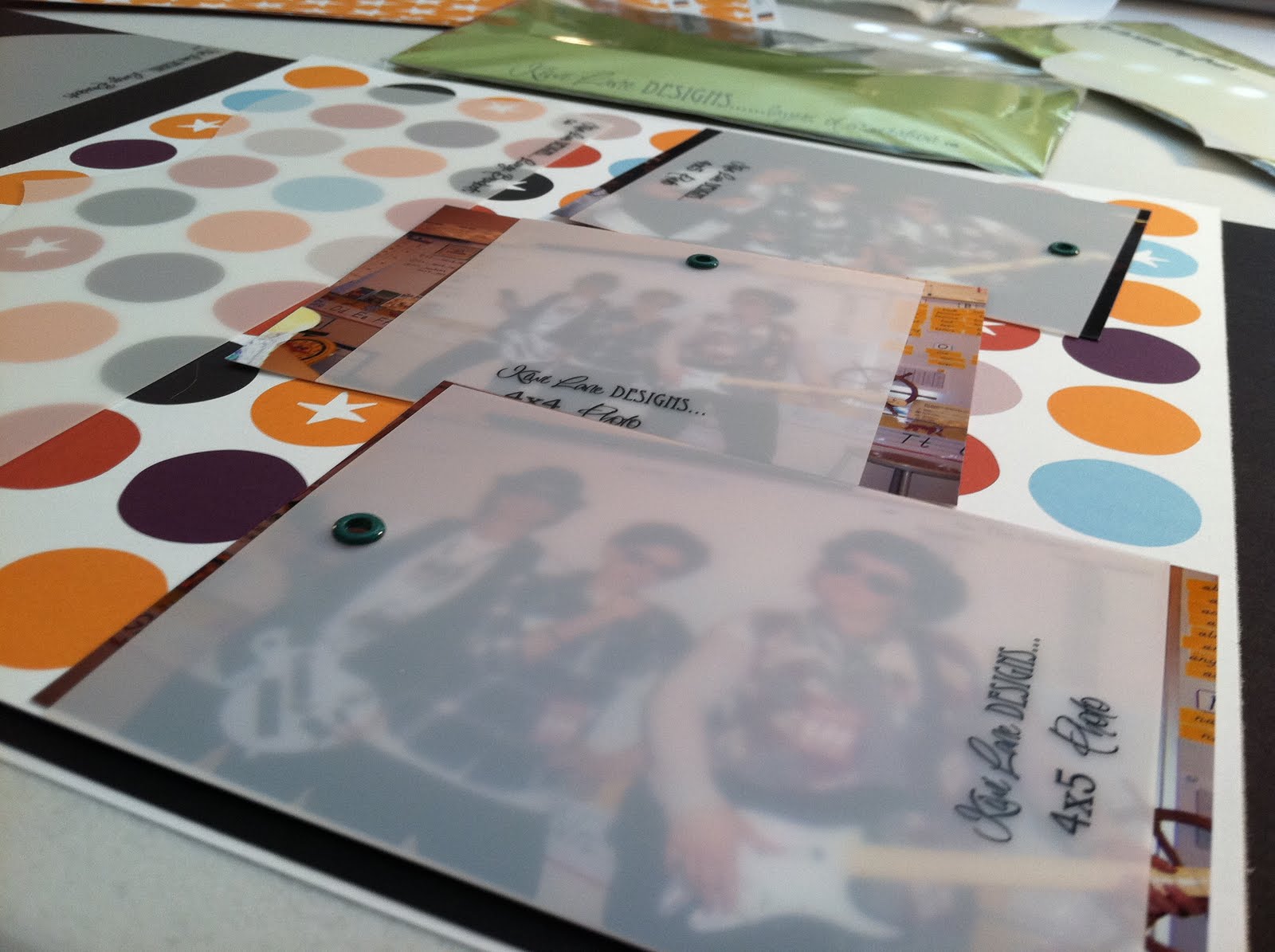
As you can see with the photo templates you can place them right on top of the photos. This lets you see if the size is right for the photo you are using and if they will all fit on the page.
The templates have the photo sizes printed on them.
After I decided on picture placement I chose the bracket (which are 12 x 12!), flipped it over, and traced it onto the back of my pattern paper.
I decided that I wanted a shadow for this bracket so I traced, just the front part of the bracket, onto black paper.
Next I put down a line of Zips glue and ruffled black crepe paper for a border.
Then I added a strip of blue paper and and a border by K & Co.
I used my friend's Gypsy and her Hannah Montana cart to cut a title. I glued the title down and then doodled around the "J" and the "B."
I then measured and cut my photos according to the photo templates. I also matted my pics with coordinating paper. I glued the top and bottom picture straight to the page, and then used foam adhesive to "pop-up" the middle picture. I also added K & Co. stickers and Making Memories buttons to the page.
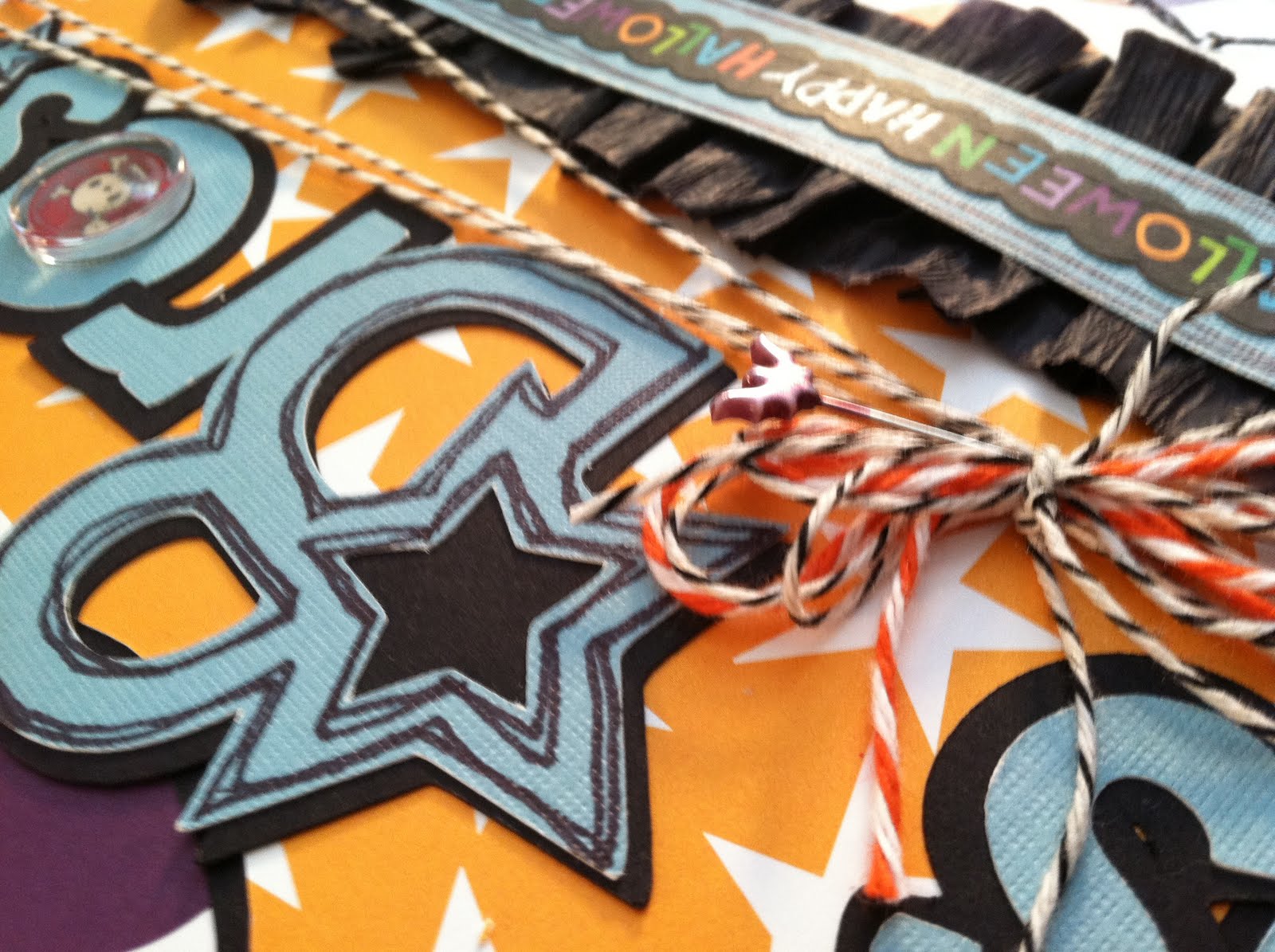
Next, I added twine and a fun Halloween pin to the title and glued it down.
Here's the final page (remember don't be scared!)....
I love how it turned out! A new scrappy friend of mine, Jayne, wanted to play around with the brackets too. She need a way to showcase some brochures from a friend's trip to Hawaii. We used a bracket and made it into a pocket.
She also wanted the the second page to coordinate so she used the same bracket to match.
As I said my fantastic sister-in-law, Kali, introduced me to these great products. She also wanted to make a double page spread for one of her daughters. I LOVE this page!!!! She started out with brackets and then also shadowed them and added some doodling.
She added a title, from Rock Princess, and attached it to a silver star she had from another daughter's birthday party.
Then she played around with the photo templates.
Even after playing around the great thing about these templates is that you can always change your mind!!! She decided to go with larger size pictures down the side.
Don't you just love the colors and the doodling?!
These templates are fantastic for scrapbook layouts and cards alike! They make designing soooooo easy! If you would like to see video tutorials and all the Kiwi Lane products click
HERE, and let the crafty ladies know that Kristy from
craftin-on-my-door sent you their way! You can also check out their blog
HERE.
Thanks for stopping by today! I hope I was able to introduce something "new" to many of you! <3Kristy